
Understanding complex manufacturing terminology and workflows.
Designing for workers with limited digital literacy.
Maintaining safety and accuracy in high-risk environments.


15 years of experience in chemical operations.
Works rotating shifts, responsible for monitoring and documenting machine processes.
Needs: clear, step-by-step task guidance; easy reporting.
Frustrations: paper logs, repetitive manual entries, lack of real-time support.

Oversees 150+ employees, responsible for quality and safety.
Needs: centralized access to reports and production data.
Frustrations: inconsistent documentation, long reporting times.
Stuck communication
Human errors lead to risks & damages
Poor functioning wastes plant time & money






Day shift Manager's routine
Defined plant-wide IA mapping key operational layers. Designed primary manager flow: Monitoring, approvals, and reporting.

Before translating the structure into a digital IA, I mapped the system manually to visualize the core logic between plant operations, documentation, and management flow.


Translating complex workflows into an intuitive, visual interface. Selected 4 core screens to illustrate the system’s value for both personas.
Operator dashboard
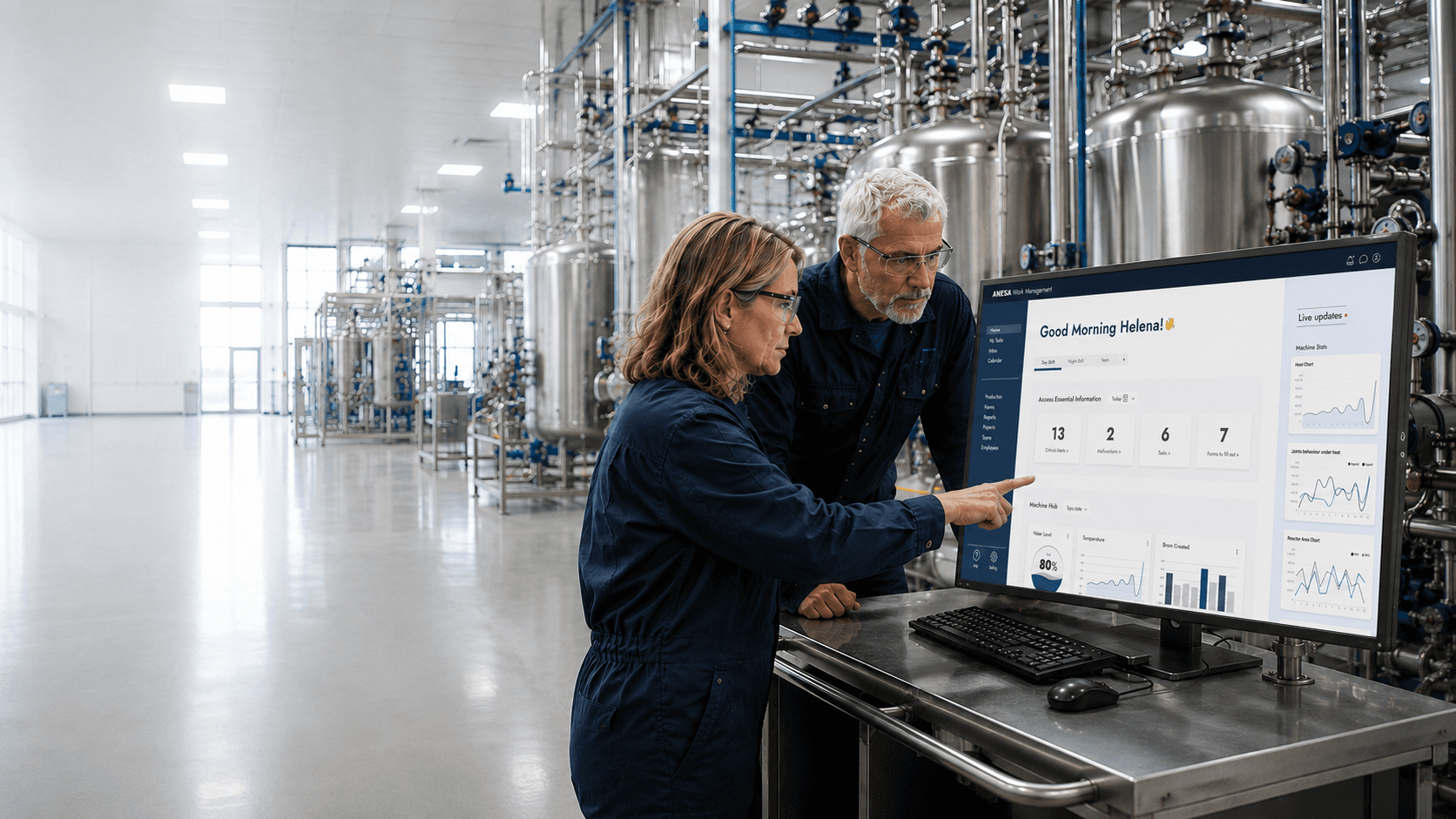
central workspace for real-time task tracking and alerts. simplifies navigation for non-digital users.

For day/night operators the dashboard offers quick access to key metrics: 4 data tiles with clear info.
Sidebar that provides immediate access to essential graphical insights, empowering users to make informed decisions at a glance.
Forms management system

Filters for finding forms easily and quickly.
Step-by-Step Task Form
Guided form that minimizes information overload and prevents errors in machine operation.


The sequence of instructions is synchronized with the steps of the task, to avoid confusion or skipping an important step. In addition, each step is documented according to the time and execution of the task.
The form divided by stages in the task process.
Data-Driven Reporting

A dynamic tabbed interface allows an admin user to switch between reports and customize tabs for a personalized data exploration experience.
The dynamic table header allows user customization for optimal data exploration. Users can filter, adjust column width and names, and personalize filters to match their specific needs.
Enhanced communication across shifts.
Reduced manual input errors and documentation gaps.
Time and cost optimization through centralized data management.